



Instagram has released a desktop version of its Edits video editing app for macOS, bringing advanced editing tools, AI agent integration, and 4K video exports to creators working on larger screens.
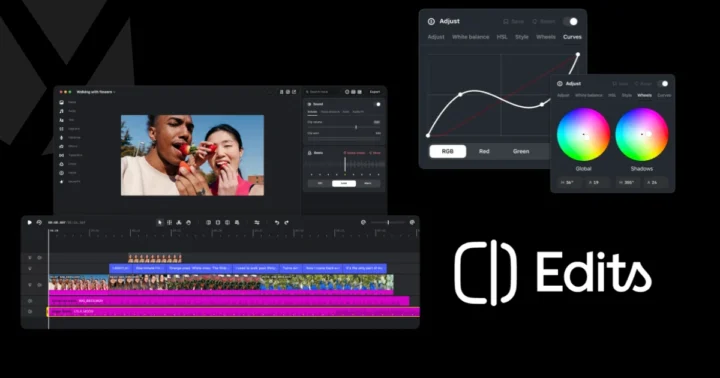
Originally launched on mobile, Edits is designed for creating and editing videos for Instagram. The new desktop version adds a multi-track timeline, keyframe controls, precise audio waveforms, and advanced color grading tools.
One of its key features is support for the Model Context Protocol (MCP), allowing users to connect AI agents to the editing software. Creators can use compatible AI assistants, including Meta’s Muse, to perform editing tasks such as assembling rough cuts from video files. Users can then open the project in Edits and continue making manual adjustments.
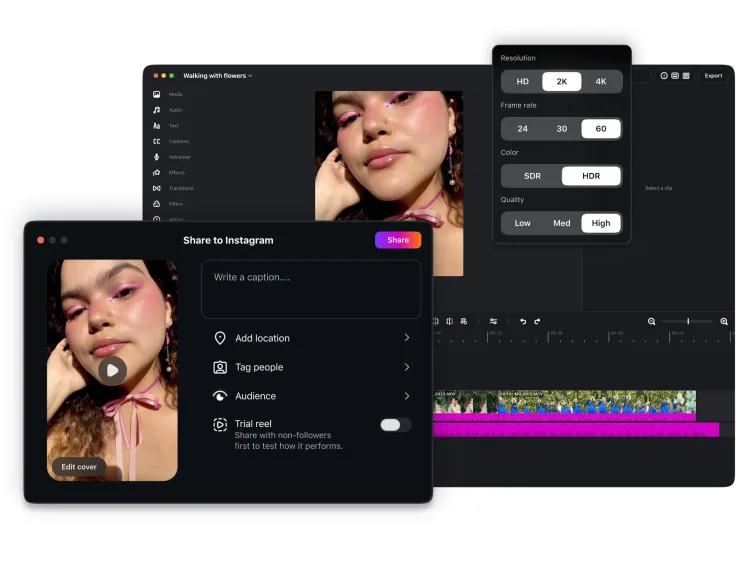
The desktop app also includes keyboard shortcuts, which Meta says can be carried over from other video editing software. It supports multiple aspect ratios and watermark-free 4K video exports, giving creators more flexibility when preparing content for different platforms.
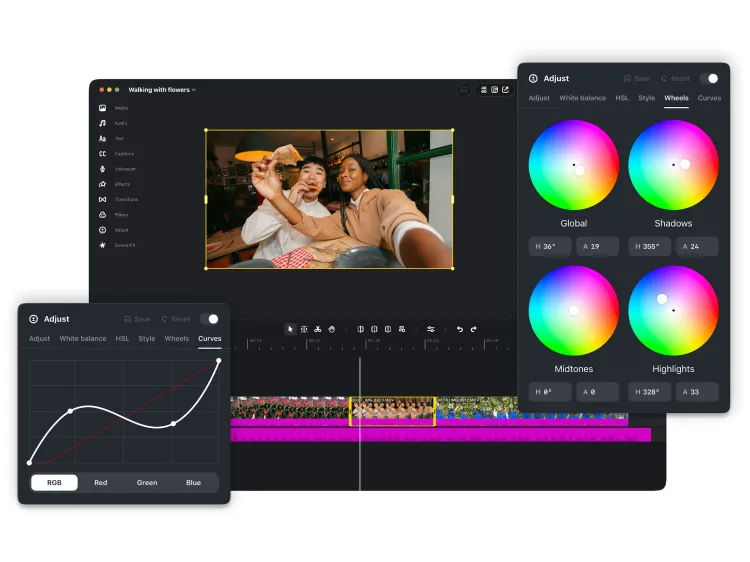
Users can also access Instagram’s licensed and royalty-free audio libraries, import their own LUTs and font files, and generate automatic captions. Saved audio and text styles from the mobile app are also accessible on desktop.
Finished videos can be published directly to Instagram or exported for use on other platforms. The app also supports Instagram’s creative libraries, making it possible to manage editing and publishing within one application.
However, the desktop release currently supports macOS only, with no Windows or Linux version available. Cross-platform project editing between mobile and desktop is also not yet supported, although Meta says it is working on the feature. The company plans to release weekly updates for the desktop app.
Edits for Mac is available as a free download through Instagram’s official Edits website.